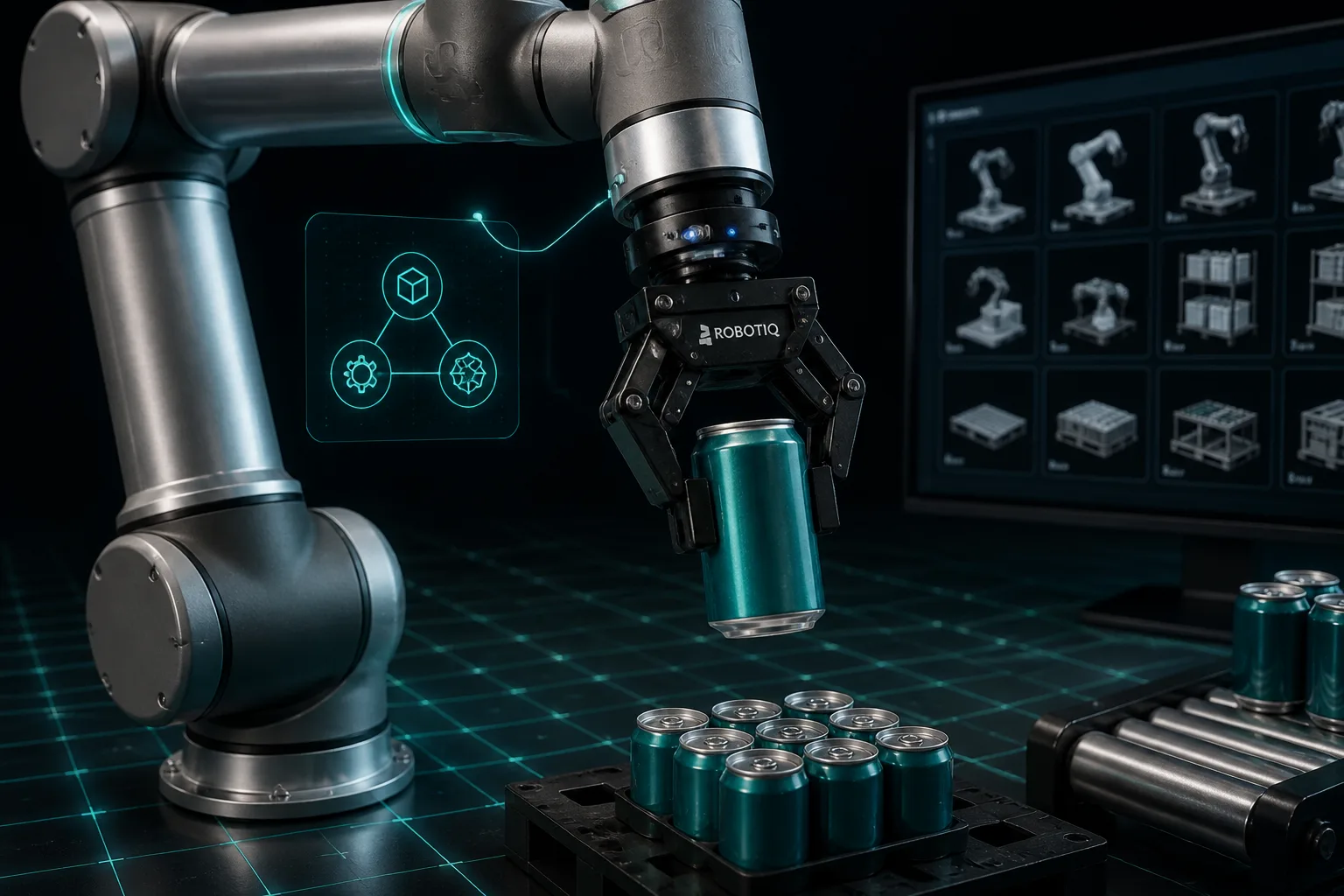
A November 13, 2026 walkthrough by Dillon Bailey, Pomi Lee and Rishabh Chadha demonstrates a pick-and-place example in Isaac Sim that assembles a UR17G arm, a Robotiq 2F-140 gripper and a beverage can from SimReady assets. The example uses prepared OpenUSD packages from SimReady Central on Hugging Face and shows how validation, assembly and scripted controls interact in simulation.
Assets and validation
SimReady assets include simulation properties such as collisions, mass, joints and joint drives. The authors explain that SimReady Foundation defines profiles, features and requirements: a profile groups features for a use case, features specify needed capabilities, and requirements are checks against those features. The arm validation report uses the Robot-Body 4.0.0 profile and the gripper report uses Robot-Gripper 3.0.0; the walkthrough states both reports record passing PhysX driven-joint checks.
Assets provided for the example include the UR17G, Robotiq 2F-140 and a beverage can package. The article shows a sample local USD path such as ~/ASSETS/hf/src/simready-assets-c7fa7615/Robotiq_2F_140/simready_usd/Robotiq_2F_140.usda and advises keeping asset folders intact so Isaac Sim can find dependencies.
Assembling, testing and running pick-and-place
Required software for the example is Isaac Sim 6.2. To allow an external agent to interact with the simulator, the authors recommend starting Isaac Sim with the remote Python server enabled: ./isaac-sim.sh --enable isaacsim.code_editor.python_server. The walkthrough uses an agent-driven workflow in which an agent (the example uses GPT-6 Sol) loads Isaac Sim skills to assemble the arm and gripper, run validation tools, and generate the pick-and-place controller, though it notes other agent and model combinations may work.
Before running the task, the article advises checking joint limits and drive settings, testing small movements and gripper open/close, and confirming contact behavior so the can does not fall through the work surface. The scripted task follows an approach, grasp, lift, hold, transfer and release sequence and evaluates whether the gripper holds the can during motion.
The authors list clear simulation assumptions and limits: a fixed known starting setup, no vision, limited collision checks, a simplified non-deformable can model, and a scripted horizontal grasp using a 2 N·m drive-effort cap chosen by simulation tests. The walkthrough emphasizes these results apply to the scripted setup and do not establish robustness to uncertain poses, different payloads or real hardware.
Original source: Hugging Face Blog